Pi MusicBox
Make your Raspberry Pi stream!
Welcome to the Swiss Army Knife of streaming music using the Raspberry Pi. With Pi MusicBox, you can create a cheap (Sonos-like) standalone streaming music player for Spotify, Google Music, SoundCloud, Webradio, Podcasts and other music from the cloud. Or from your own collection from a device in your network. It won't drain the battery of your phone when playing. The music won't stop if you play a game on your phone.
Connect a 25$ Raspberry Pi to your (DIY) audio system, easily configure MusicBox and go! Control the music from your couch using a phone, tablet, laptop or PC, no tinkering required. AirPlay and DLNA streaming also included!
Features
-
Headless audio player based on Mopidy (no need for a monitor), streaming music from Spotify, SoundCloud, Google Music, Podcasts (with iTunes, gPodder directories), local and networked music files (MP3/OGG/FLAC/AAC), Webradio (with TuneIn, Dirble, AudioAddict, Soma FM directories), Subsonic.
-
Remote control it using a nice webinterface or using an MPD-client (like MPDroid for Android).
-
Also includes AirTunes/AirPlay and DLNA/OpenHome streaming from your phone, tablet (iOS and Android) or PC using software like BubbleUPnP.
-
USB Audio support, for all kinds of USB soundcards, speakers, headphones. The sound from the Pi itself is not that good...
-
Wifi support (WPA, for Raspbian supported wifi-adapters)
-
No need for tinkering, no need to use the Linux commandline
-
Play music files from the SD Card, USB, Network.
-
Last.FM scrobbling.
-
Several Pi soundcards supported (HifiBerry (DAC/Digi/AMP/+), IQ Audio, )
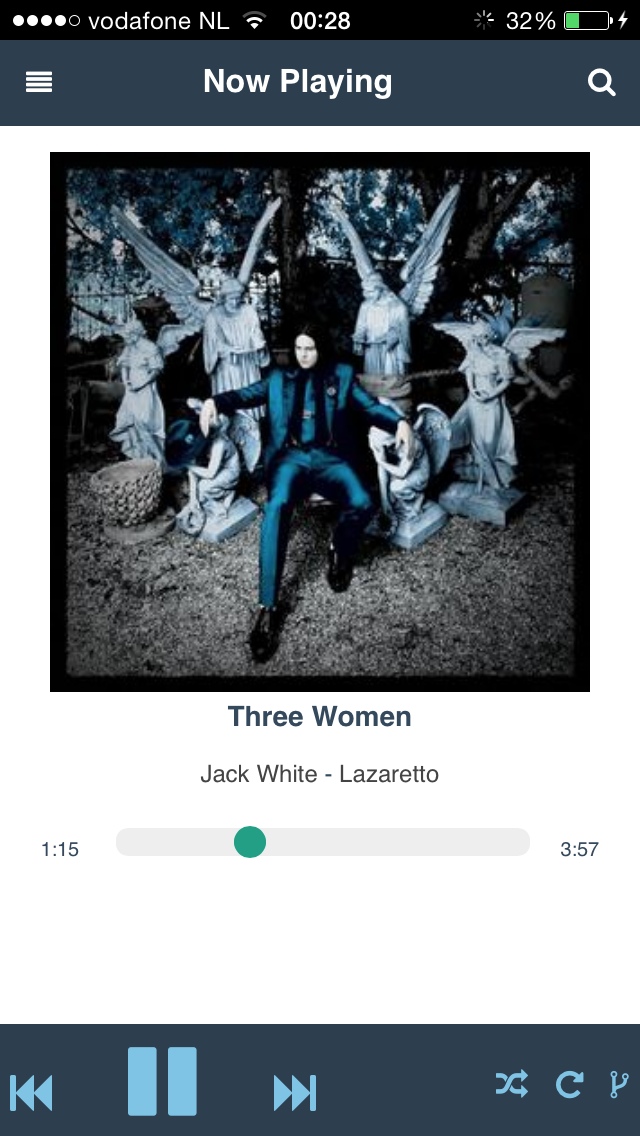
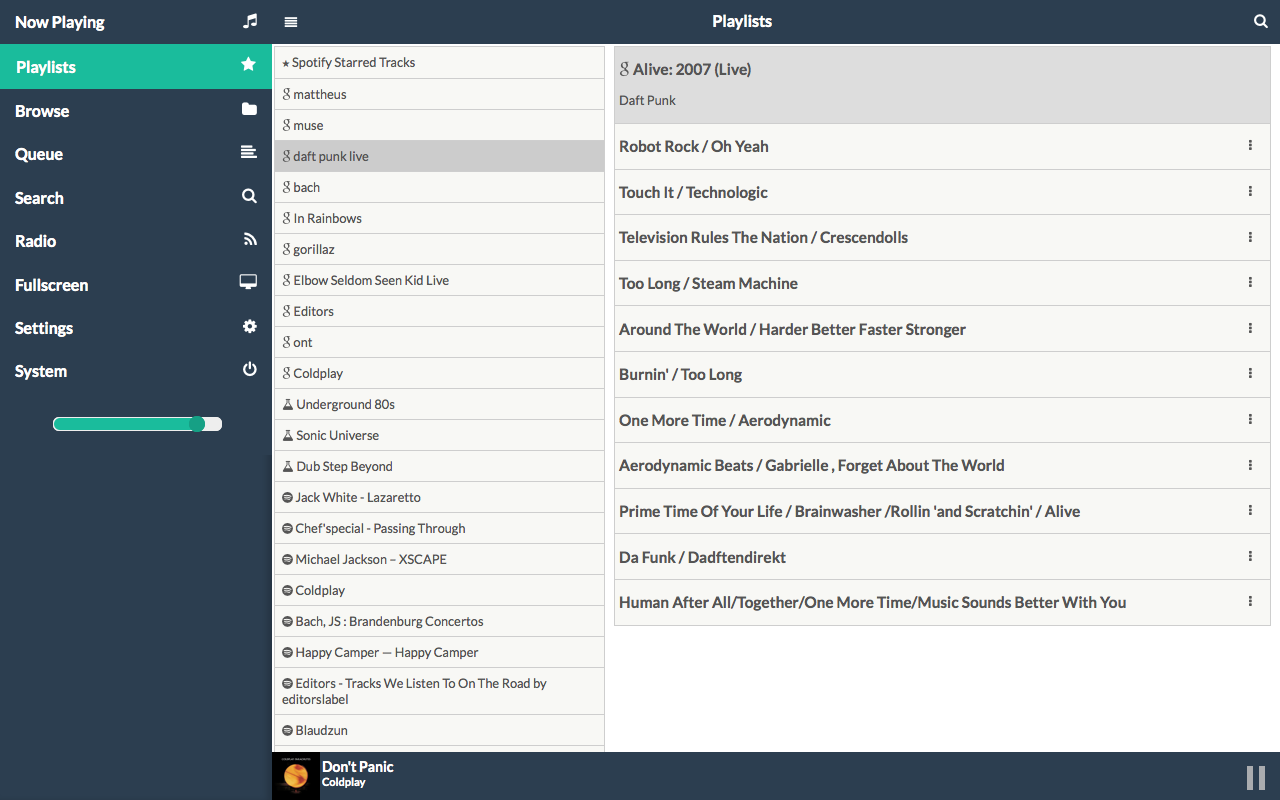
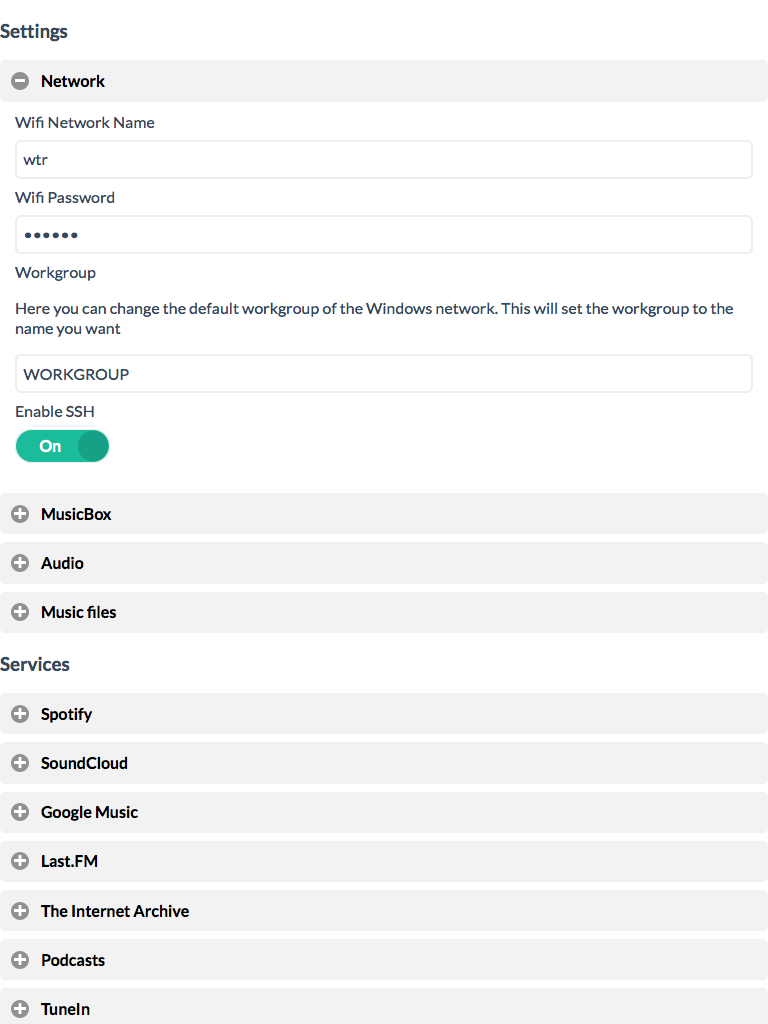
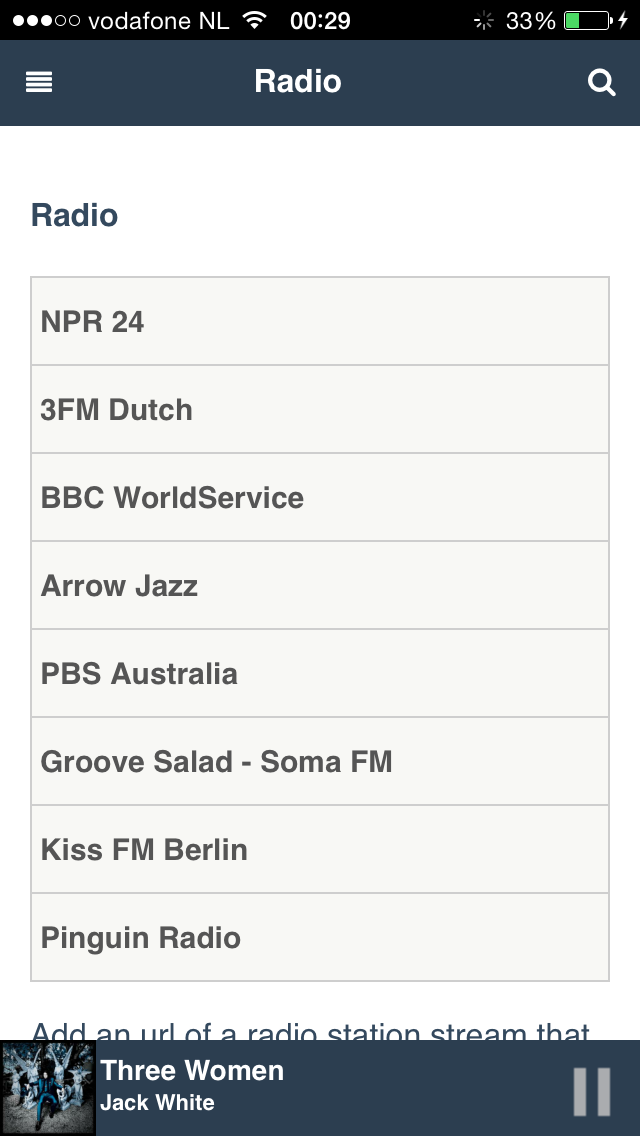
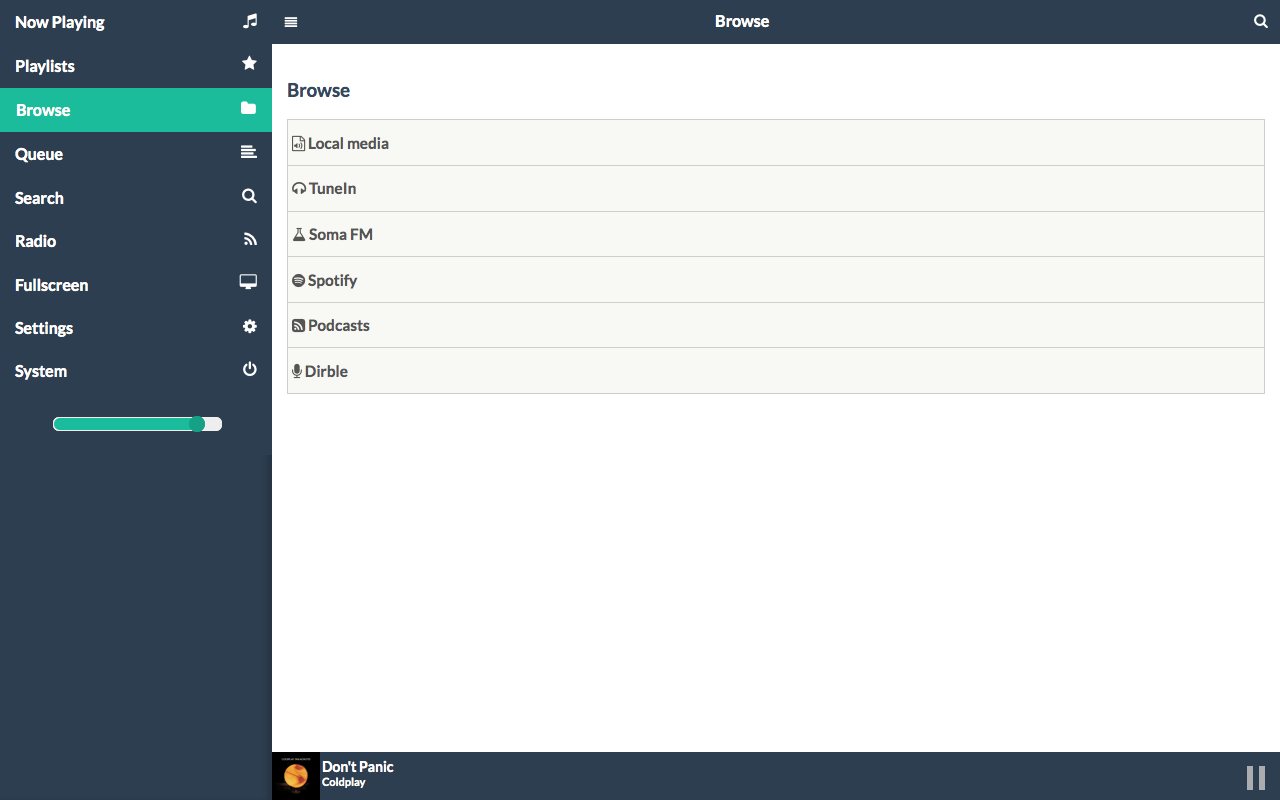
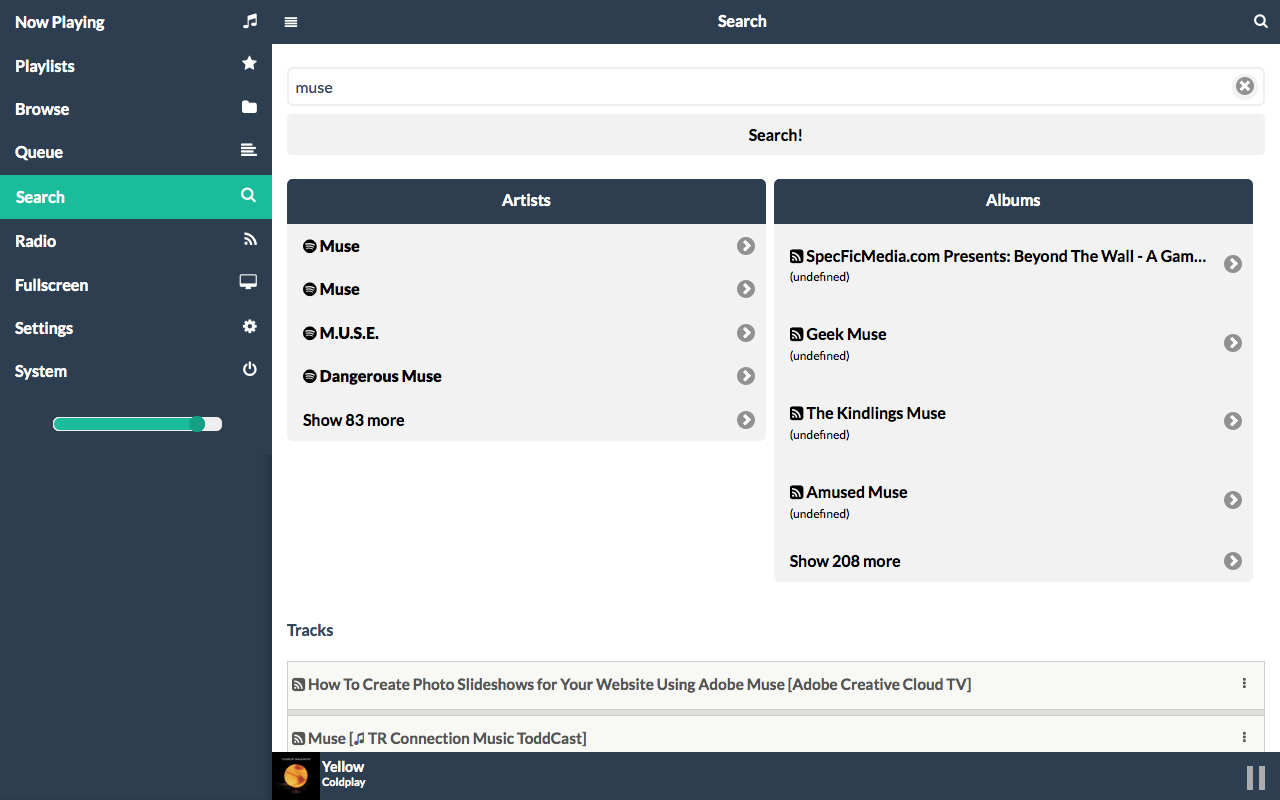
Screenshots
Requirements
-
Working Raspberry Pi (A, A+, B, B+)
-
Speakers, amplifier or headphones (analog or USB)
-
SD-Card, 1GB minimum
-
Computer with a modern browser; tablet or phone. The webinterface is tested with
recent versions of Firefox, Chrome, Internet Explorer and iOS (iPad/iPhone), modern versions of Android (Chrome Mobile, Firefox Mobile).
Internet Explorer version 10 works, earlier versions don't. You can also use an
MPD client to connect.
-
Spotify Premium, Google Music (All Access) or SoundCloud account for streaming.
DIY Projects using Pi MusicBox
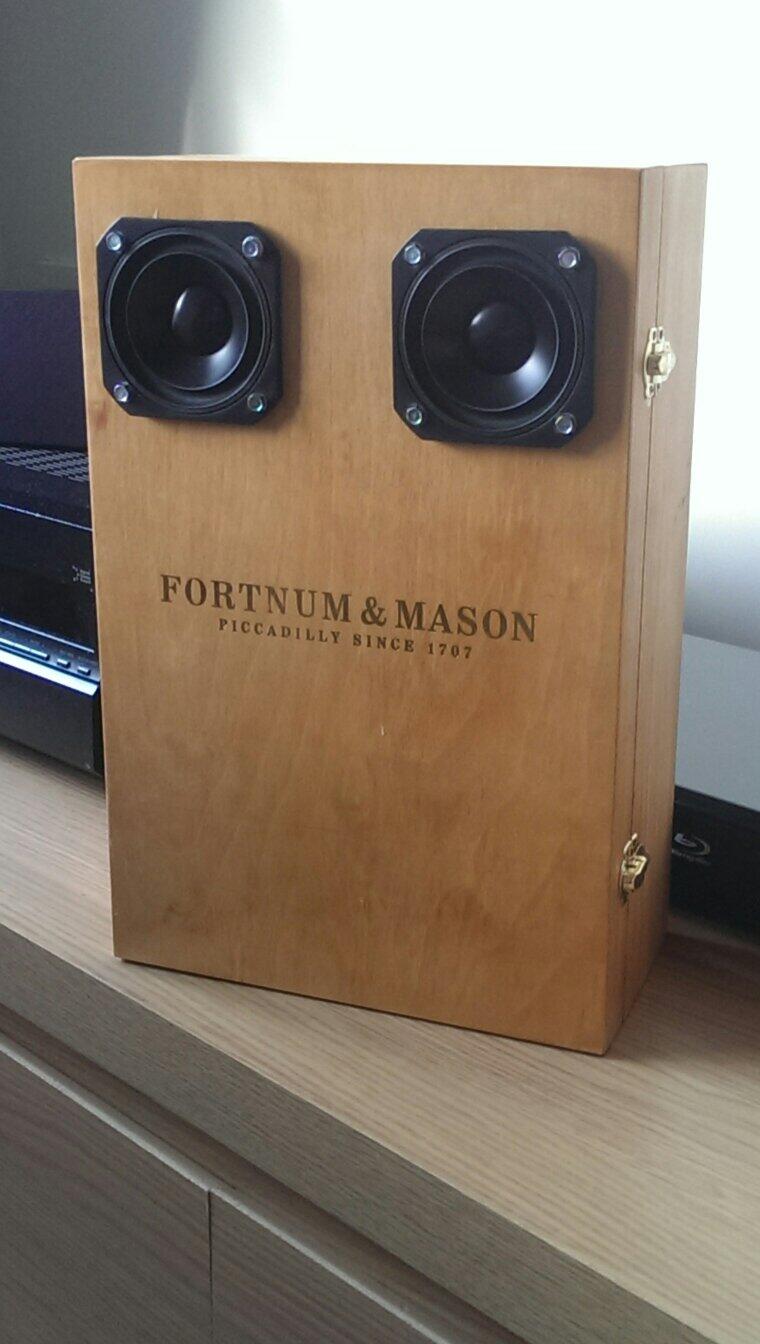
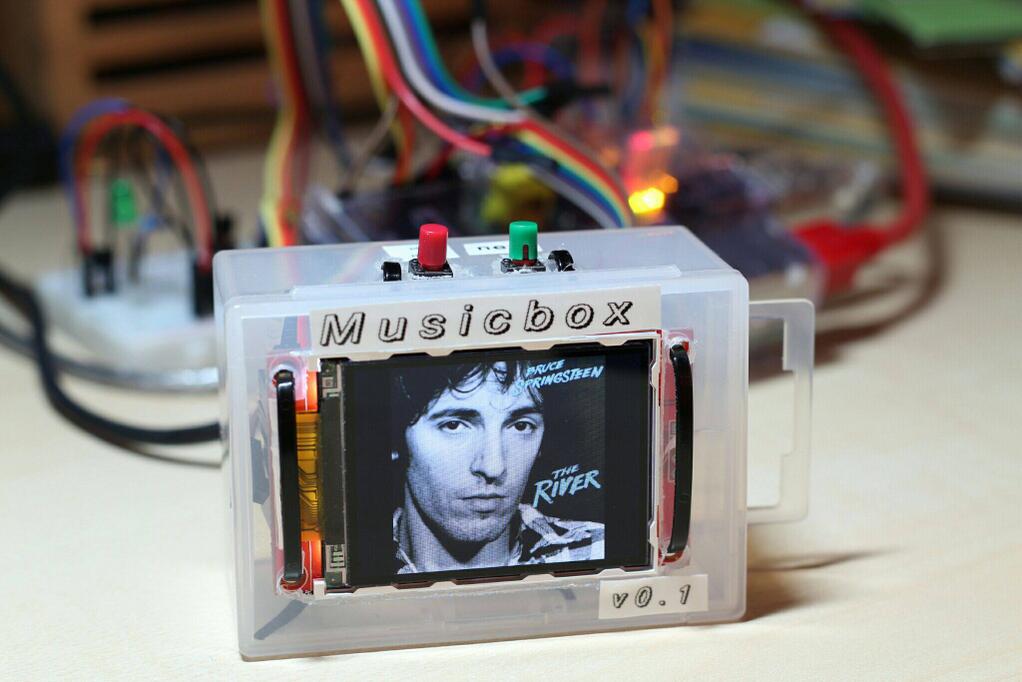
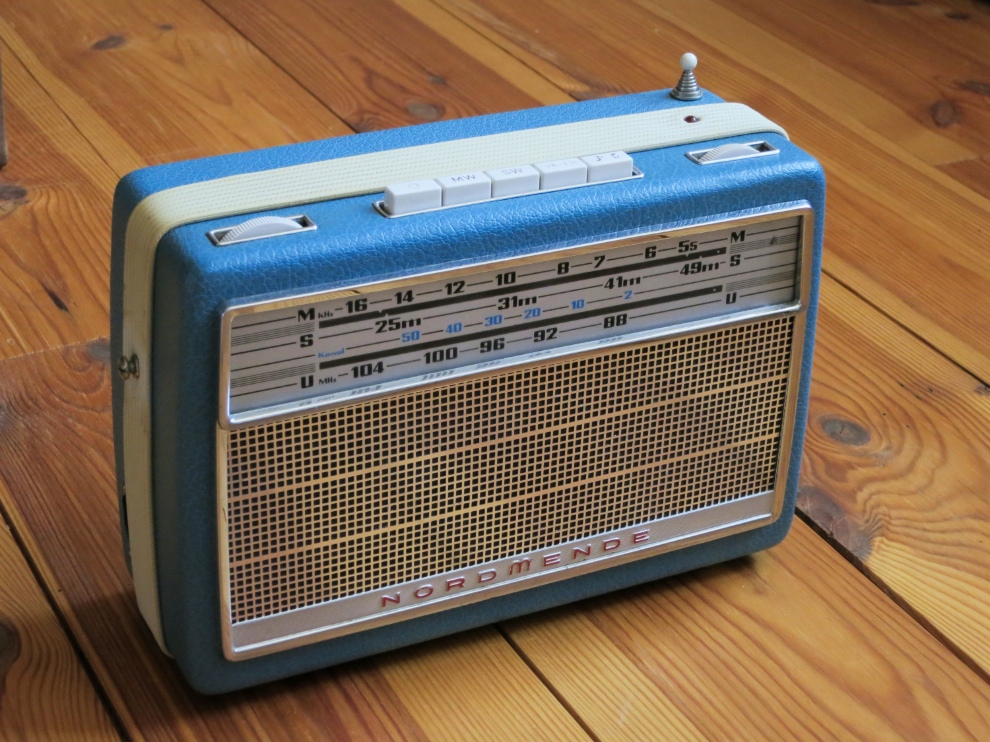
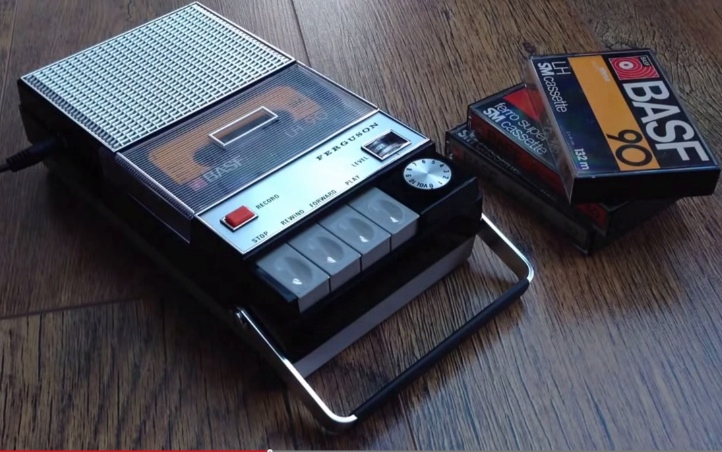
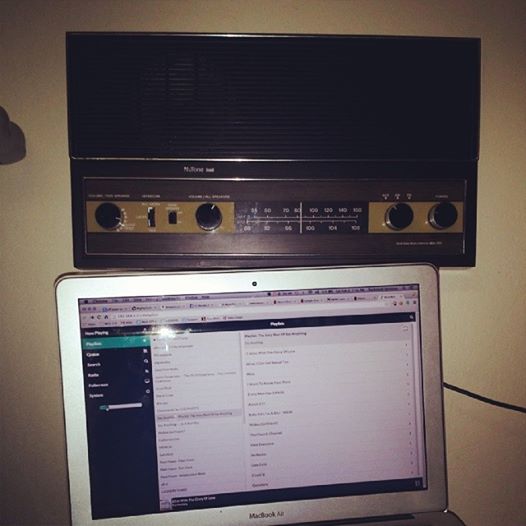
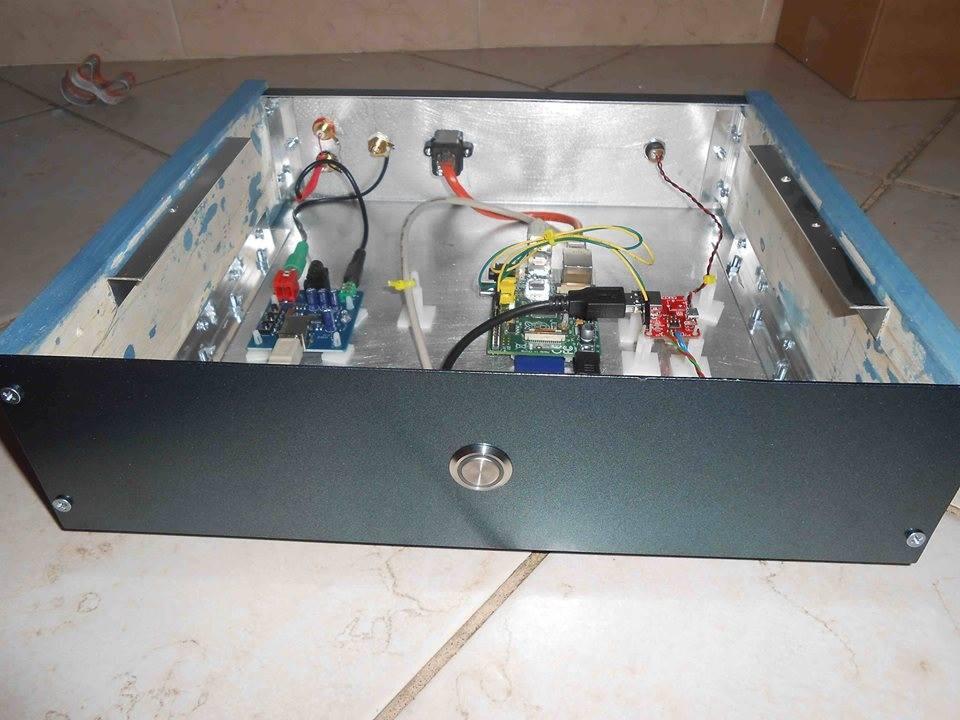
Pi MusicBox is proud to provide the software for an increasing number of Do It Yourself audioboxes, like these:
Download
Here you can find an image for the SD Card for you Pi. It's around 290MB in (compressed) size; 950MB uncompressed:
This can take a while, so in the meantime, please spread the word!
Howto's
The instructions below are quite compact. Users have created more elaborated instructions.
Instructions
Extract the zip-file. Put the resulting image on your sd-card by following these
instuctions. The image is for a 1GB card, but you can put it on a
larger one, for more space if you want to put audio files on the card. A manual is included in the Zip.
Configuration
-
You can edit all settings in the new settings page from the webclient. To access it, you need a network connection. To enable Wifi, you can either first connect the Pi using a cable and use the settings page, or fill in the wifi-settings in the ini file on the SD Card. For that:
-
Put the SD-card into your computer. Open the contents of the 'config' folder of SD-Card in your
Finder/Explorer.
-
Add your Wifi network and password to the file (and edit other settings if you want)
settings.ini
It has instructions on what to put where.
-
MusicBox will autodetect usb audiocards/speakers/boxes and hdmi.
It's possible to override this in the settings. For example if you want to use analog out while having hdmi connected.
Detailed instructions can be found in the Manual. But it's written for MusicBox 0.4...
Start me up!
-
Put the card in the Pi
-
Connect cables (You don't have to connect a monitor to the Pi if you
don't want to)
-
To use Wifi and USB-Audio you have to plugin the devices before you
start the Pi. Restart if you plug them in later.
-
Power on your Pi
-
Wait for a while... So in the meantime, follow us!
Accessing the music
-
Point your browser to the Pi. Depending on your network and computers,
it will be available at this address:
http://musicbox.local
-
Most OS X/iOS and Windows devices probably will find it immediately. If it doesn't work, you could try to
install Apple Bonjour/iTunes in Windows to make it work. Linux should also work if Avahi or Samba/Winbind is installed.
-
Using Android, you have to point your browser to the MusicBox using the IP-address of your Pi, e.g.
http://192.168.1.5/
(fill in your own!).
There is no way to change that for now, unless Android would support it,
The IP-address is printed on the screen when
MusicBox is started. Connect a monitor/tv to find out. Or use a network/bonjour scanning utility.
Support & Contact
Please refer to the Frequently Asked Questions and the Manual before asking questions.
You can discuss features and problems on the
forum. Please report bugs about MusicBox itself at
the repo at Github. You can also try the
#mopidy
channel on
Freenode,
or the
Raspberry
Pi forums.
What's new?
Take a look at the changes to see what has changed
Security
This is system not totally secured. Don't run it outside a firewall!
-
The Mopidy musicserver is not completely protected
-
Also, the passwords of Spotify and wifi are stored in plain text on
the SD-Card.
-
It's easy to login to the server with the root login and
the password musicbox (remote login is not enabled by default though).
Thanks
Pi MusicBox is based on the following great projects:
-
Raspbian (based on Debian (based on Linux))
-
Mopidy (+ my own Mopidy
Webclient)
-
Shairport
-
All the projects that are used to create the these projects
-
All the projects that are used to create the projects that are used
to create these projects
-
All the projects that ...
-
A lot of people giving solutions on forums...
-
And of course the work of the guys 'n girls who brought you the Raspberry
Pi